The box says 4th gen. Your air handler may not agree. In San Diego County, that mismatch often shows up after the display is on the wall: the Google Home app cannot map a heat pump, the old plate hid high-voltage wires, or a pre-C-wire bungalow cannot power the new control. Verify the exact Nest model and the equipment it will run before you buy.
Which Nest model are you considering?
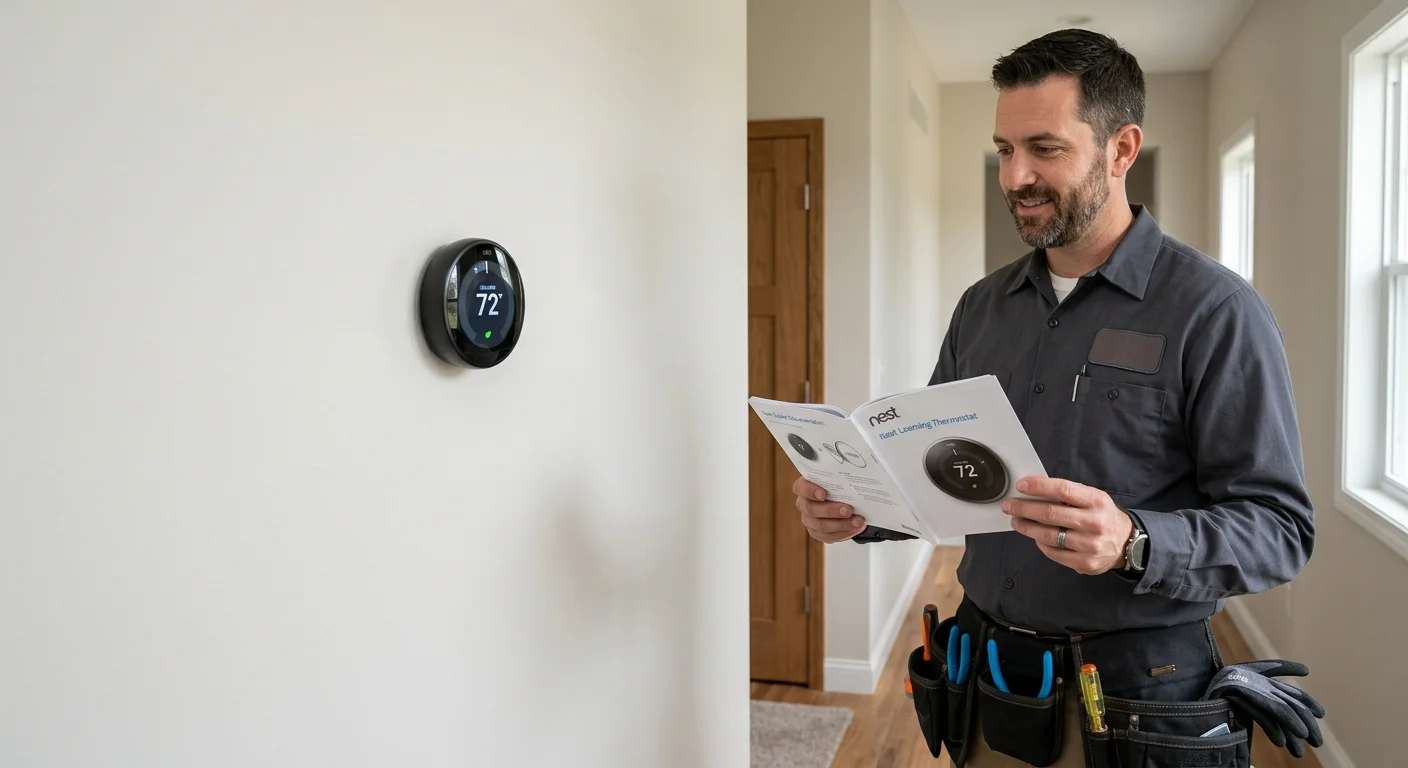
Search results mix three different products. The Nest Learning Thermostat (4th gen) is not the older Learning Thermostat (3rd gen). It is also not the lower-cost Nest Thermostat that shipped years earlier. Google’s own help pages treat the 4th gen Learning model and the later Nest Thermostat as a separate setup path from 3rd gen and Nest Thermostat E. If you order the wrong one, the app, the base, and the supported stages will not match what you thought you bought.
Confirm the name on Google’s live product page, not on a marketplace card. Utility stores in other states often bundle a 4th gen Nest with local rebate language that does not apply to SDG&E. Those listings also change finishes, sensor kits, and included parts without saying so in the title. Read the current Google listing for the exact SKU, then match the box in your hand to that name.
Climate Pros SD is not Google, Nest, or a manufacturer-authorized Nest installer. We do not speak for Google, set Nest firmware, or certify a home as compatible. We match San Diego County homeowners with independent, licensed HVAC contractors. The contractor you hire confirms whether that Nest thermostat 4th generation unit can control your equipment.
If you are still choosing a brand, not a generation, start with our Nest vs Ecobee comparison for San Diego installs. That page is about installer fit. This page is about one model generation and the checks that come before the wall plate comes off.
Setup path matters as much as the face on the wall. Google’s help center states that the Nest Learning Thermostat (4th gen) is set up in the Google Home app, not the older Nest app. You have to be at the thermostat to add it. Remote add is not the path. If the display was used before, Google’s instructions call for a factory reset first. Those steps live on Google’s site. Recheck them the day you install, because app names and menus move.
What system details affect compatibility?
A Nest thermostat for an HVAC system is a 24-volt control problem, not a décor problem. Google’s compatibility checker is the first stop: store.google.com thermostat compatibility. Run it with the equipment you actually have, not the equipment you wish you had. Climate Pros SD does not override that checker, and we do not guarantee a pass.
Photograph the current thermostat with the cover off, then photograph the air-handler or furnace data plate. You want fuel type, heat pump versus straight cool, number of heating and cooling stages, and whether there is a common (C) wire. Do not pull wires, do not guess terminal letters, and do not follow a wiring diagram from a blog. High-voltage electric baseboard (often labeled 120 V or 240 V, with thick conductors or wire nuts) is a different class of system. Google’s product copy has long said line-voltage baseboard is not a Nest Learning Thermostat job. Confirm that on the live checker. If the old control looks like line voltage, stop and have a licensed pro look before you buy the Nest.
San Diego housing makes this check local, not generic. Coastal bungalows in Ocean Beach, Mission Hills, and older National City streets often still have mercury or battery thermostats and no C-wire. Inland tract homes in Escondido, El Cajon, and Santee more often have later forced-air setups, heat pumps, or extra stages. That is housing stock and equipment mix, not a compatibility score. Google publishes C-wire notes at g.co/nest/cwire. Some 4th gen installs can share power from existing thermostat wiring. Some still need a C-wire or a Nest Power Connector. The checker, not a sales blurb, decides which case you are in.
Heat pumps add a reversing-valve terminal (O/B) and sometimes auxiliary or emergency heat. Dual-fuel setups, zoning panels, and humidifiers use extra terminals the old round Nest never saw. Mini-splits in ADUs from Chula Vista to Oceanside often keep their own indoor controllers. A wall Nest does not magically become the mini-split remote. If you have more than one system, treat each as its own compatibility check.
When the existing thermostat already misbehaves, fix that first. A short cycle, a stuck relay, or a dead common can look like a “Nest problem” after the swap. Use our thermostat not working checklist before you blame the new display.
Which features matter for daily cooling control?
Worth it is a usage question, not a review score. The 4th gen is a fit if your system is compatible and you will actually run schedules around how San Diego heat and rates work. It is a poor fit if you wanted a different control style, or if you expected a thermostat to fix a weak condenser, leaky ducts, or an upstairs that never got supply air.
SDG&E residential time-of-use plans currently list on-peak pricing from 4 p.m. to 9 p.m. Confirm your exact plan and current rates on sdge.com. SDG&E’s heat-wave guidance (captured 2026-09-13) suggests precooling earlier in the day, then setting the thermostat to 78°F or higher from 4 p.m. to 9 p.m., health permitting. That is utility conservation guidance, not a medical rule and not a promised bill cut. A learning schedule only helps if you let it hold that window instead of fighting it every afternoon.
Coast and inland are not the same cooling day. National Weather Service San Diego describes ocean moderation near the coast and warmer summer days in nearby valleys. NOAA 1991-2020 normals put San Diego International Airport’s August high near 77°F and El Cajon’s near 89°F. A Nest in Pacific Beach and a Nest in Lakeside will not run the same hours. If the thermostat sits in a cool hallway while west bedrooms bake, a remote temperature sensor is the feature to verify, not the finish of the ring. Google has shipped a Nest Temperature Sensor with some 4th gen bundles. Confirm what is in the current box. Extra sensors are a product detail, not a comfort guarantee.
Google markets learning, Adaptive Eco-style setbacks, Farsight display faces, and a system health monitor. Treat health alerts as a prompt to call a licensed HVAC pro, not as a diagnosis or a warranty. Google’s own store language says those alerts are not a representation of system health and are not a substitute for a qualified contractor. ENERGY STAR lists efficient heating and cooling products, including qualifying thermostats, at energystar.gov. Certification is about the device meeting a spec. It is not a San Diego savings figure.
Vacation and away modes matter for snowbird condos in La Jolla and Carlsbad, and for inland houses that sit empty during weekday heat. Wi-Fi still has to reach the thermostat. A metal HVAC closet or a lath-and-plaster wall in North Park can starve the radio. Check signal at the existing thermostat location before you count on phone control from work.
What should a licensed pro verify before installation?
California’s C-20 classification covers thermostatic controls on warm-air, ventilating, and air-conditioning systems. That is licensed HVAC work when it exceeds the state’s contractor threshold or needs a permit, not a weekend gadget swap. Climate Pros SD does not pull permits, open panels, or land wires. The independent, licensed, insured pro you are matched with does that work and tells you whether your city requires a mechanical permit. In the City of San Diego, Development Services says no part of a heating, ventilating, air-conditioning, or refrigeration system shall be installed, altered, replaced, or repaired unless a mechanical permit has been obtained. Other cities and the unincorporated county set their own rules. Do not assume a thermostat swap is always permit-free.
Ask the contractor to confirm, on site, that the existing system starts, stops, and changes modes before the old thermostat comes off. Ask them to identify line voltage versus 24-volt control, count stages, and note heat-pump reversing-valve orientation. Ask whether a C-wire or manufacturer power accessory is required for your board, not for “most homes.” If the Google Home app will own setup, the pro (or you, standing there) still has to complete pairing at the wall. You cannot add the 4th gen from a coffee shop.
Do not follow wiring how-tos in this article. There are none on purpose. Wrong landing on W, Y, O/B, or a jumper you were not supposed to remove can short a control board. That is an equipment bill, not a thermostat return. Our smart thermostat installation guide covers the homeowner-side planning. For the physical swap, use thermostat installation and a C-20 contractor. Verify that contractor on the CSLB license check before anyone opens the wall.
If you already own a Nest and it will not cool, will not hold set point, or drops off Wi-Fi, say so up front. The pro should separate a control problem from a refrigerant, airflow, or outdoor-unit problem. A new 4th gen display will not fix a failing capacitor or a condenser that cannot keep up in Ramona or Alpine heat.
Where can you confirm current product details?
Manufacturer pages move. Retailer specs lag. Out-of-state rebate banners do not apply here. For a Nest thermostat 4th generation purchase in San Diego County, use Google’s current sources the day you order:
- Product and compatibility: Google Store listing plus the thermostat compatibility checker
- C-wire and power: g.co/nest/cwire
- Setup and which model you have: Google Nest Help, including the 4th gen Home-app path
- Broader heating and cooling context: the U.S. Department of Energy heating and cooling pages
We do not publish Nest street prices, install times, warranty years, recycled-content percentages, or “works with X percent of homes” figures here. Those claims belong to Google or to a seller, they change, and they are not in Climate Pros SD’s verified claims ledger. If a review or a utility marketplace quotes a dollar amount, a 40-minute DIY window, or a rebate, treat it as unverified until you read the live Google page and, for money, your own utility.
Is Google “killing Nest”? That is rumor, not a specification. As of this writing, Google still lists the Nest Learning Thermostat (4th gen) as a current product. Lines get renamed, apps get merged, and older models leave the store. Recheck the live listing. Climate Pros SD will not predict Google’s catalog.
Common 4th gen complaints in forums cluster around power, app setup, and equipment the checker would have flagged. That is not a defect rate we can publish. If the unit is already on the wall and acting up, start with Google’s help flow, then a licensed HVAC look at the system behind the sensor.
Confirm any current SDG&E thermostat or demand-response offer on SDG&E’s own site. Golden State Rebates retail offerings have ended, per SDG&E’s rebates page (captured 2026-09-13). Do not import a Georgia, Louisiana, or South Carolina store credit into a San Diego cart.
When to call us
Call when you need a licensed HVAC contractor to confirm Nest 4th gen compatibility, land a 24-volt control, or sort a thermostat that will not run the system you already have. Climate Pros SD matches you with independent, licensed local pros. We do not install the Nest ourselves. Call us at (442) 777-6440 and we will match you with a licensed local pro.