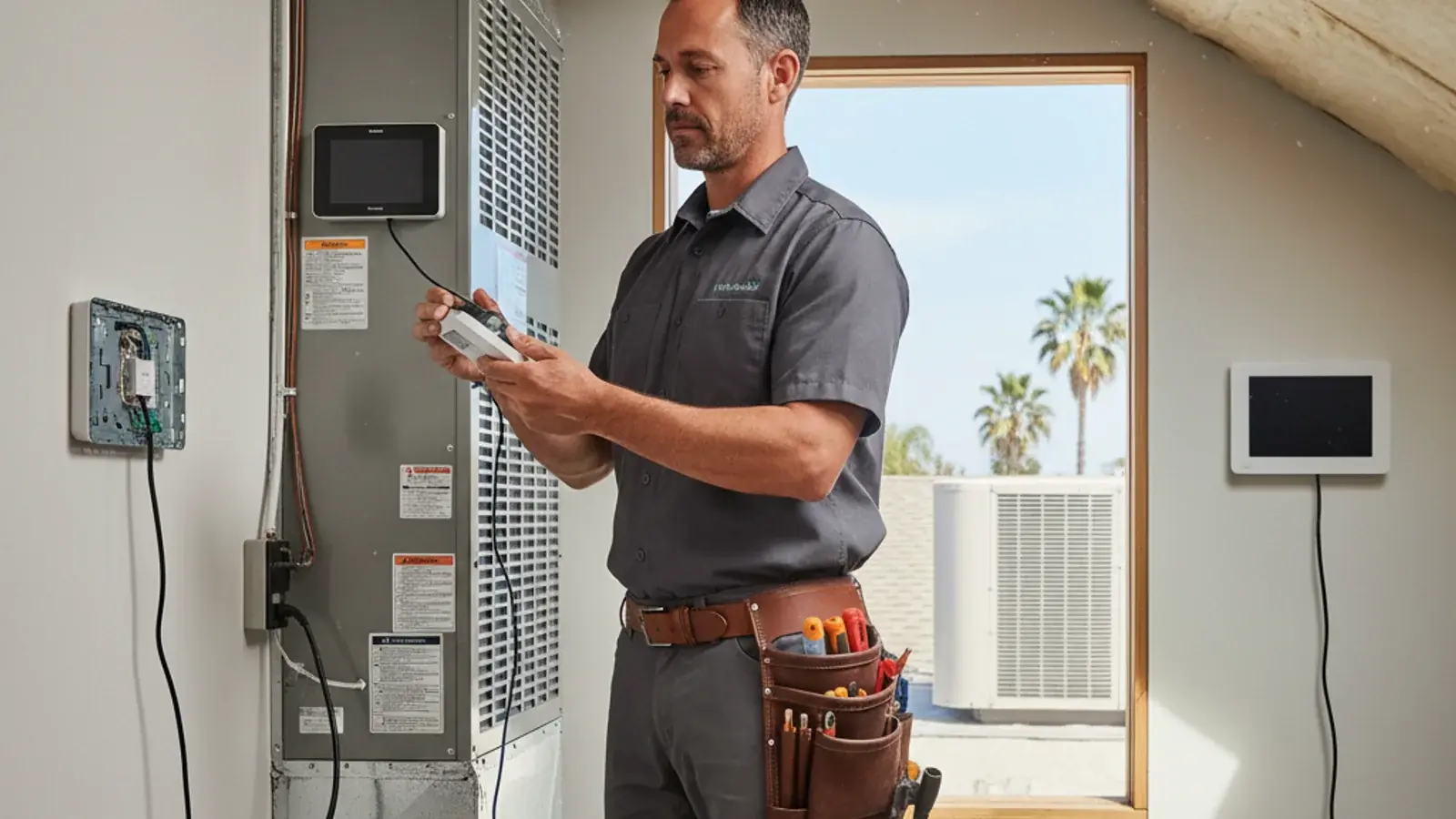
A smart thermostat is a control, not a smaller electric bill by itself. In San Diego it earns its keep when it matches your HVAC type, your Wi-Fi, and how you use SDG&E time-of-use pricing. Climate Pros SD matches homeowners with licensed, independent HVAC professionals. Those pros install and configure the thermostat. We do not.
SDG&E residential time-of-use plans currently list a 4 p.m. to 9 p.m. on-peak window. Confirm your exact plan and rates on sdge.com. SDG&E heat-wave guidance suggests precooling earlier in the day, then setting the thermostat to 78F or higher from 4 to 9 p.m., health permitting. That is conservation guidance, not a medical rule and not a promised savings percent.
Our thermostat installation page covers how a referral visit typically goes.
What are the three thermostats people actually compare?
- Google Nest Learning Thermostat: round display, strong auto-schedule, Google Home first.
- Ecobee Premium (or Enhanced): room sensors, Power Extender Kit on many models, HomeKit and Matter on current lines.
- Honeywell T10 Pro (or T9): stronger when you already have true zoning hardware.
Other brands exist. The matched pro should confirm compatibility with your board, not the aisle card.
How do Nest, Ecobee, and Honeywell compare?
| Feature | Nest Learning | Ecobee | Honeywell T10 class |
|---|---|---|---|
| Auto-schedule | Strong | Manual plus assist | Manual plus assist |
| Remote room sensors | Limited | Strong | Model-dependent |
| Multi-zone HVAC (dampers) | Limited | Limited | Stronger native path |
| Ecosystems | Google, Alexa | Alexa, HomeKit, Google, Matter | Alexa, HomeKit, Google |
| C-wire workaround | Power stealing on some models | PEK on many kits | Varies by model |
There is no brand-wide installed price from Climate Pros SD. Hardware retail and labor belong to the seller and the contractor you hire.
When is Nest the right choice?
Choose Nest when the house is mostly one thermostat, routines are stable, and you already live in Google Home. It is weaker when rooms run hot far from the hallway sensor, and it is the wrong first pick if you need HomeKit.
When is Ecobee the right choice?
Choose Ecobee when the thermostat location lies about the rooms you sleep in. Put a sensor in the upstairs bedroom. Average or prioritize that room at night. Ecobee also tends to expose heat-pump auxiliary heat settings more clearly than Nest.
When is a Honeywell T10-class thermostat the right choice?
Choose it when you already have (or are adding) motorized dampers and more than one thermostat on the same plant. A single-zone ranch does not need that architecture.
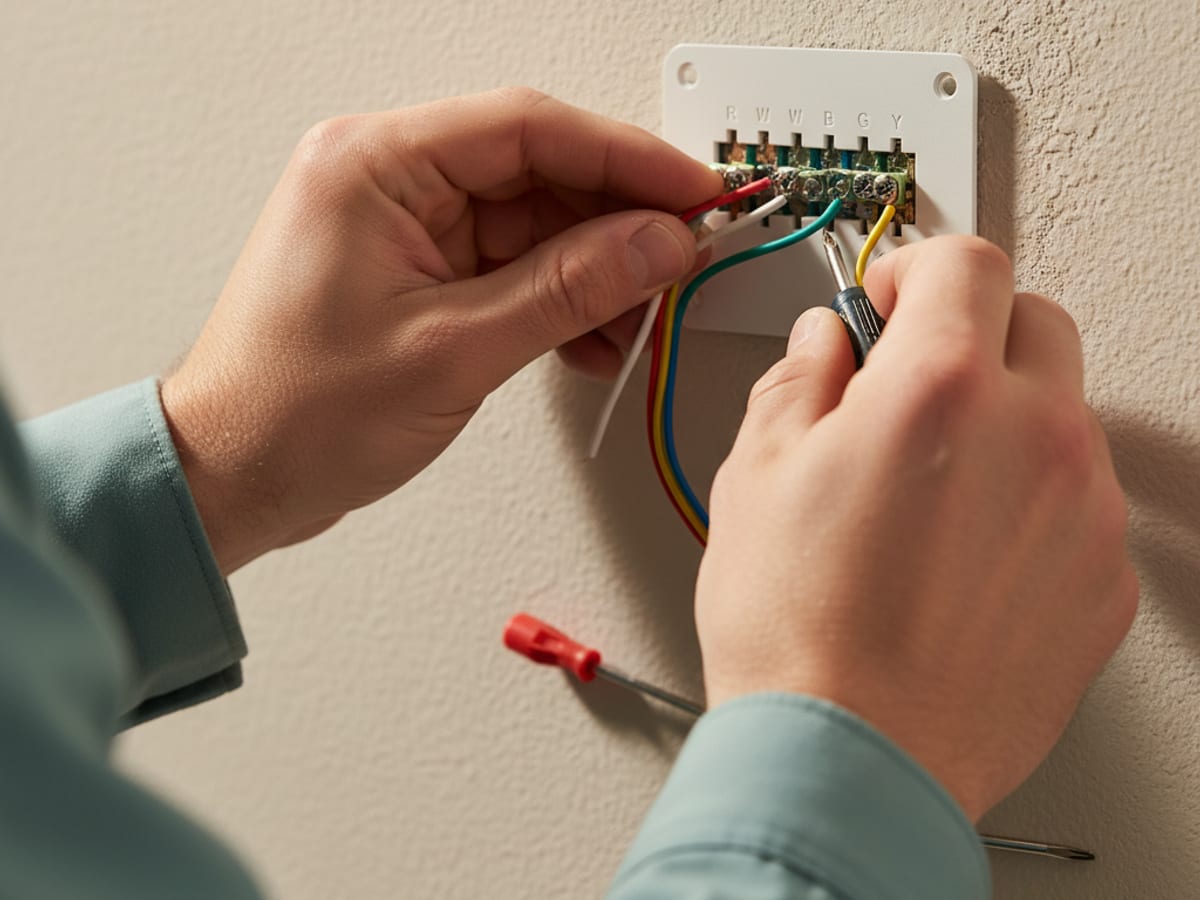
Does your thermostat need a C-wire?
Older cable often has R, W, Y, and G only. Many smart stats want a fifth conductor, C, for constant 24V.
You already have C. Common on systems replaced in the last decade. Swap, configure, test.
You do not have C, and the pro pulls 18/8. Cleanest long-term answer when the path is open.
You do not have C, and the kit uses a power extender. Ecobee’s PEK lives at the air handler. Nest power-stealing can short-cycle some boards. Ask the installer which method they will use on your equipment, not a forum default.
Work duration is a job estimate the pro confirms on site. It is not an arrival promise.
What does a professional install include?
A complete visit usually covers:
- Photograph existing wiring before anything comes off the wall.
- Mount the new base level, patch if the old footprint was larger.
- Confirm or add C-power the equipment can live with.
- Set conventional vs heat pump, stages, and reversing valve.
- Test cool, heat, fan, and auxiliary heat if you have it.
- Join Wi-Fi, app, and a schedule you will actually keep.
- If you are on SDG&E time-of-use, set precool and 4 to 9 p.m. setback the way SDG&E describes, health permitting.
Ask what warranty the manufacturer and the installing company each provide. Climate Pros SD warrants nothing.
Do smart thermostats save a fixed percent on the bill?
No verified percent lives in our claims ledger for thermostats. ENERGY STAR duct guidance is about leaks in a typical forced-air house (about 20% to 30% of air lost through ducts nationally), not about a Nest paying for itself in three years.
What you can control without fake math:
- Shift cooling away from 4 to 9 p.m. when your plan prices that window as on-peak.
- Use away modes when the house is empty.
- Watch runtime in the app as a maintenance clue, not a rebate.
SDG&E’s Golden State Rebates retail offerings have ended. Do not assume a current thermostat rebate. Check sdge.com for whatever program is actually open.
Section 25C, TECH Clean California, and HEEHRA attach to qualifying equipment and dates, not to a Wi-Fi thermostat. 25C does not apply to property placed in service after December 31, 2025. TECH single-family heat pump HVAC reservations stopped November 14, 2025. HEEHRA single-family applications were closed to new income verification as of February 24, 2026.
Should you install it yourself?
A confident homeowner can swap a like-for-like single-stage conventional system that already has C. Get a licensed pro for heat pumps, dual fuel, multi-stage, zoning, or no C-wire. Wrong O/B or W2 landing can wreck a compressor. Ask the matched contractor to confirm the configuration before anyone leaves.
Frequently asked questions
How much does smart thermostat installation cost in San Diego?
Climate Pros SD does not set prices. Ask the licensed pro for a written figure that includes configuration, not just hanging the plastic.
Do I need a C-wire?
Many models do. Homes with recent HVAC work often have one. Older homes often do not. Workarounds exist. Reliability varies. The installer should pick the method for your board.
Which thermostat is better for a two-story home?
Usually a model with remote sensors (Ecobee is the common pick) so upstairs night setpoints are not slaves to a downstairs hallway.
Will a smart thermostat work with an older HVAC system?
Wiring and control type matter more than calendar age. Heat pumps need the reversing valve landed correctly. Millivolt wall furnaces and line-voltage baseboards need a different product class.
Should I enroll in a utility demand-response program?
Only after you read the current SDG&E terms. Do not treat an old enrollment bonus as still true. You can usually opt out of an event. Confirm on the utility site.
The practical pick
Single-zone, odd rooms: Ecobee plus sensors. True damper zoning: Honeywell T10-class. Google-only and simple plant: Nest. Then have a licensed installer commission it.
Need that match? Call (442) 777-6440. We cover Poway, Carlsbad, Chula Vista, La Mesa, Encinitas, and the rest of San Diego County.