If the app says Cooling and the outdoor unit is silent, believe the condenser. Nest, Ecobee, and Honeywell T9 screens can show a cooling call while the compressor never starts. Prove airflow at a vent and noise at the outdoor unit before you replace the thermostat.
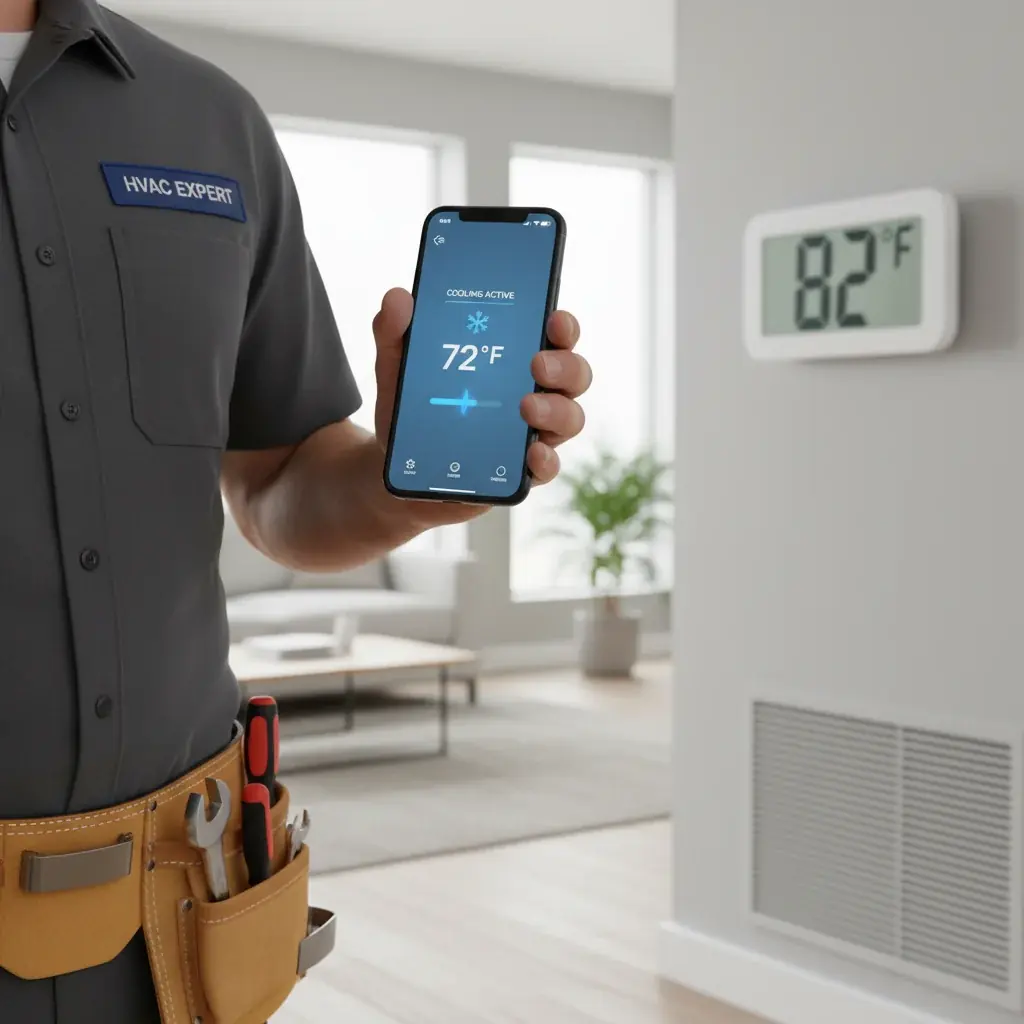
App says Cooling but the house is hot: prove the outdoor unit is running
Look at the condenser. If it is silent, the thermostat status is not the system. Check C-wire power, Away/Eco holds, breaker, filter, and float switch before replacing a Nest or Ecobee. Older San Diego homes often lack a C-wire. Power stealing can light the screen and still fail to pull in the compressor contactor.
Checklist
- Stand outside and listen for the condenser.
- Disable Away, Eco, and vacation holds.
- See Honeywell troubleshooting.
- See thermostat not working.
- Use thermostat installation.
Related: AC not cooling checklist and AC repair.
Many of these calls are C-wire power, an Away hold, or a system safety switch, not a failed compressor. Work the checks below, then match a licensed C-20 if the outdoor unit still will not run.
C-wire issues that fake out smart thermostats
One of the most frequent culprits behind smart thermostat misinformation, especially in older San Diego homes, is a missing or improperly connected C-wire. The C-wire, or common wire, provides continuous low-voltage power to your thermostat directly from your HVAC system. Smart thermostats, with their Wi-Fi connectivity and bright screens, draw more power than traditional models. Without a dedicated C-wire, they often resort to “power stealing”, drawing tiny bursts of power when the system isn’t actively running.
While this can work for basic heating, it often fails when demanding constant cooling power. What happens? Your smart thermostat might power on, connect to Wi-Fi, and even show “cooling” on its display or app because it thinks it’s sending the signal. However, it doesn’t have enough stable power to reliably engage the AC unit’s fan or compressor. The result is a thermostat that appears functional but an AC system that remains stubbornly off. You might notice the thermostat display flickering, intermittently losing Wi-Fi, or sometimes restarting itself completely. If your home has an older HVAC system, it’s very possible you don’t have a C-wire run to your thermostat. Proper thermostat installation often involves adding this crucial wire.
Wi-Fi vs HVAC, when the app lies about system status
It’s easy to assume that if your smart thermostat app says “Cooling,” your air conditioner is definitely running. However, there’s a critical distinction to make: the app reflects the thermostat’s internal status, not always the actual operational status of your HVAC unit. Your thermostat’s internal logic might be telling it to send a cooling command, and it might even register that command as “sent” within its software. But if there’s a communication breakdown between the thermostat’s internal relay and your HVAC system, that command might not be received or acted upon.
Think of it like this: your phone tells your smart light bulb to turn on, but if the bulb is unplugged, the app might still show it as “on” because the command was initiated. Similarly, a glitch in your Wi-Fi, a momentary power flicker to the HVAC unit, or an internal error within the thermostat itself can cause a disconnect. The thermostat’s brain thinks it’s doing its job, but the physical command never makes it to the air handler or outdoor compressor. Often, simply restarting your thermostat (check your model’s instructions for a soft reset) and rebooting your home Wi-Fi router can resolve these temporary communication hiccups, getting your app and your AC back on the same page.
Stuck relays and how a Nest or Ecobee shows it
Inside every thermostat, smart or conventional, are small electrical switches called relays. These relays are responsible for physically sending the low-voltage power signals to your furnace or air handler to activate different components like the fan, the heating element, or the AC compressor. When your smart thermostat decides it’s time to cool your home, it closes a specific relay to send that “cooling” signal to your outdoor AC unit.
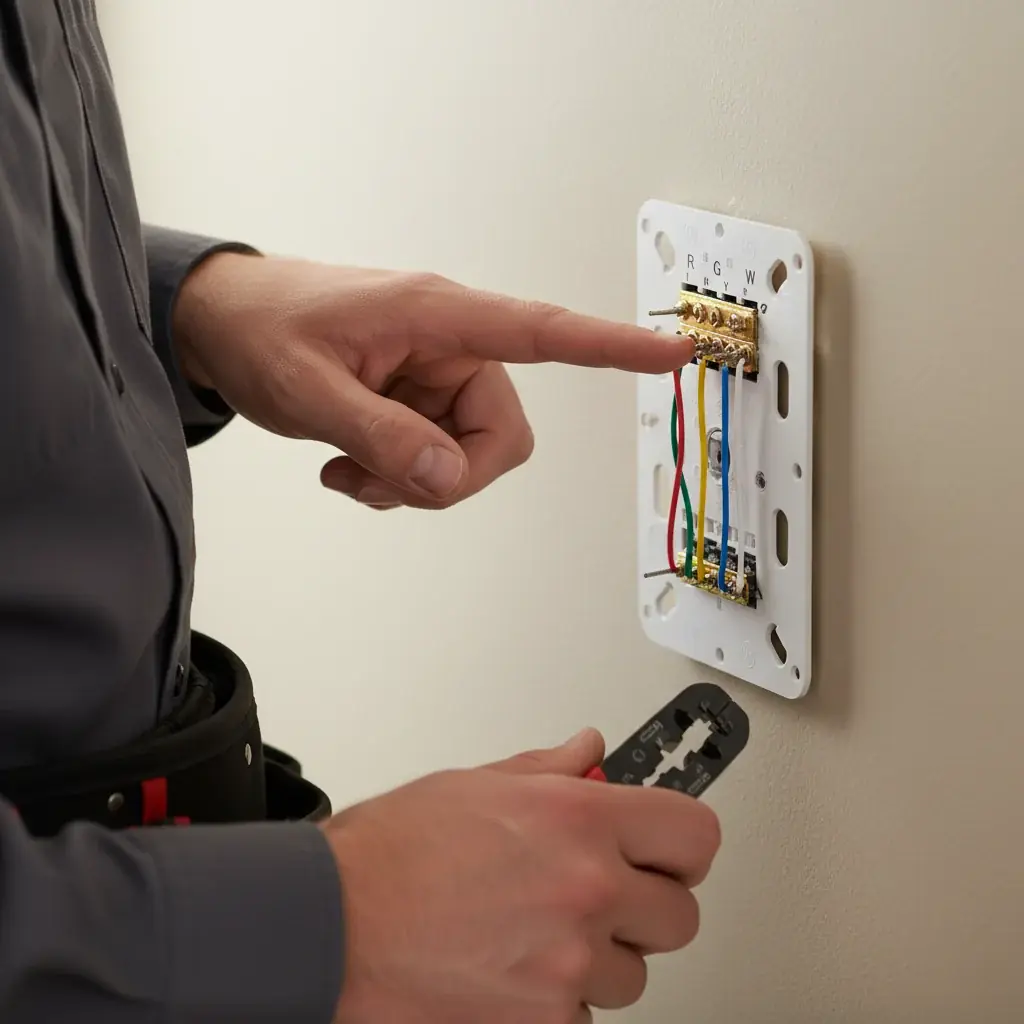
If a relay gets stuck open or closed, or if it simply fails, your smart thermostat will still think it’s sending the signal. Its screen or app will display “Cooling,” and you might even hear a faint click from the thermostat itself. However, because the physical switch isn’t making contact, the signal never reaches your AC system. The fan won’t turn on, and the outdoor unit will remain silent. This can sometimes be an internal hardware fault with the thermostat itself, requiring a replacement. More often, however, it’s a symptom of a larger problem within the HVAC system that’s preventing the relay from closing or preventing the signal from being acknowledged. Safety switches on your AC can also prevent the unit from responding, making the thermostat seem unresponsive. This often points towards a need for professional AC repair.
Schedule and geofencing bugs homeowners always miss
Smart thermostats are designed to make your life easier with intelligent scheduling and location-based controls. However, these very features can sometimes lead to confusion, especially when your house is warm, and the app says it’s cooling. Overlapping schedules, old programs you thought you deleted, or even conflicting settings can inadvertently prevent your AC from running. For example, a vacation hold or an “Away” setting you forgot to deactivate could override your cooling demand.
Geofencing, which uses your phone’s location to adjust temperature, is another common source of frustration. If the geofencing isn’t working correctly, it might think you’re away when you’re home, or it might struggle to detect multiple occupants’ phones. Nest’s “Eco Mode” or Ecobee’s “Smart Away” features are powerful, but they can aggressively conserve energy by pausing cooling even if your home drifts above your comfort zone. Always check your thermostat’s actual display for the current setpoint and mode, then verify it in the app. Make sure no “Away” or “Eco” settings are active unintentionally. A good reference point for understanding these advanced features and avoiding common pitfalls is our smart thermostat installation guide. Reviewing your programming and location settings carefully can often uncover the hidden reason your AC isn’t cooling.
When the thermostat is fine and the system has failed
While smart thermostats can certainly have their own specific quirks, sometimes the thermostat is working perfectly, and the problem lies entirely with your air conditioning system. Your Nest or Ecobee is correctly sending the “cooling” command, but the AC unit itself simply can’t respond due to a mechanical or electrical failure.
Common AC system failures that can trick your smart thermostat into thinking it’s working include:
- Clogged air filter: A severely dirty filter restricts airflow, causing the system to overheat or even freeze up.
- Frozen evaporator coil: Often a result of low refrigerant, dirty coils, or poor airflow, a frozen coil prevents effective cooling.
- Capacitor failure: This small component in your outdoor unit provides the necessary “kick” to start the compressor or fan motor. If it fails, the unit won’t start.
- Tripped circuit breaker: Your outdoor AC unit or indoor air handler runs on a dedicated circuit. If it trips, the unit loses power.
- Refrigerant leak: Low refrigerant prevents the system from absorbing heat, leading to little to no cooling.
- Condensate drain line clog: Most ACs have a safety switch that shuts the system down if the drain pan overflows due to a clog, preventing water damage.
In these cases, the thermostat is just a messenger. It’s asking the AC to work, but the AC can’t. You might notice warning signs like unusual noises, a lack of airflow, or ice on the refrigerant lines. Diagnosing these complex system issues requires the specialized tools and expertise of a licensed HVAC technician.
Related service: AC installation. Local coverage: all 67 cities we cover in San Diego County.
Not sure this is your symptom? Our HVAC symptom finder matches what the system is actually doing to the likely cause.
When to call us
C-wire work, stuck relays, and sealed-system faults belong to a licensed HVAC contractor. Climate Pros SD does not diagnose thermostat versus compressor over the phone as a finished answer.
Climate Pros SD is a referral service. It matches you with a licensed C-20 contractor. That company diagnoses and quotes. Climate Pros SD does not repair or install. Call (442) 777-6440.